HD 1280×720 100% Free No login No watermark

YouTube thumbnail image
view and download

View the YouTube thumbnail image behind any video, download every public size in one click, then turn it into a custom YouTube-style cover with the built-in enhancer.

Try: youtube.com/watch?v=dQw4w9WgXcQ

View all YouTube thumbnail image resolutions

Click download to save the image you need. Maxres (1280×720) isn't available for every video — ThumbGrab falls back to SD or HQ when needed.

Cover Enhancer EXCLUSIVE

Reuse of raw YouTube thumbnail images is not SEO-friendly because the same image may already be indexed by Google. Add your own title, brand color and gradient mask to make a unique, on-brand cover — exported as a 1280×720 PNG.

Live preview · 1280 × 720 (actual export size)

How to view and download a YouTube thumbnail image

Paste one video URL to view every available YouTube thumbnail image, pick the right resolution, and download it free — no software to install, no account to create.

1

Paste the YouTube URL

Copy any youtube.com/watch?v=…, youtu.be/…, /shorts/…, /embed/… or /live/… link and paste it into the box at the top of this page.

2

View every image size

ThumbGrab instantly fetches every available YouTube thumbnail image — 1280×720 HD, 640×480, 480×360, 320×180 and 120×90 — along with the video title and channel name.

3

Download or enhance

Save the full-resolution thumbnail image in one click, or open the Cover Enhancer to add your own title, brand color and gradient mask and export a custom 1280×720 PNG.

Why use ThumbGrab for YouTube thumbnail image view and download

A faster, cleaner way to view a YouTube thumbnail image, compare every resolution, and download the exact file you need.

⚡

Instant image view

Paste a link and get every resolution in under a second. Everything runs in your browser — no server round-trip, no waiting.

🎨

Cover Enhancer

The only YouTube thumbnail downloader that turns a thumbnail image into a unique, branded cover with your own text and colors.

🔒

Private by design

The URL you paste is processed in your browser. We don't store your links, and there's no account or login required.

📱

Works everywhere

Phone, tablet or desktop. On iOS, long-press the image and tap "Save to Photos" to keep it.

A calmer visual studio for thumbnail image work

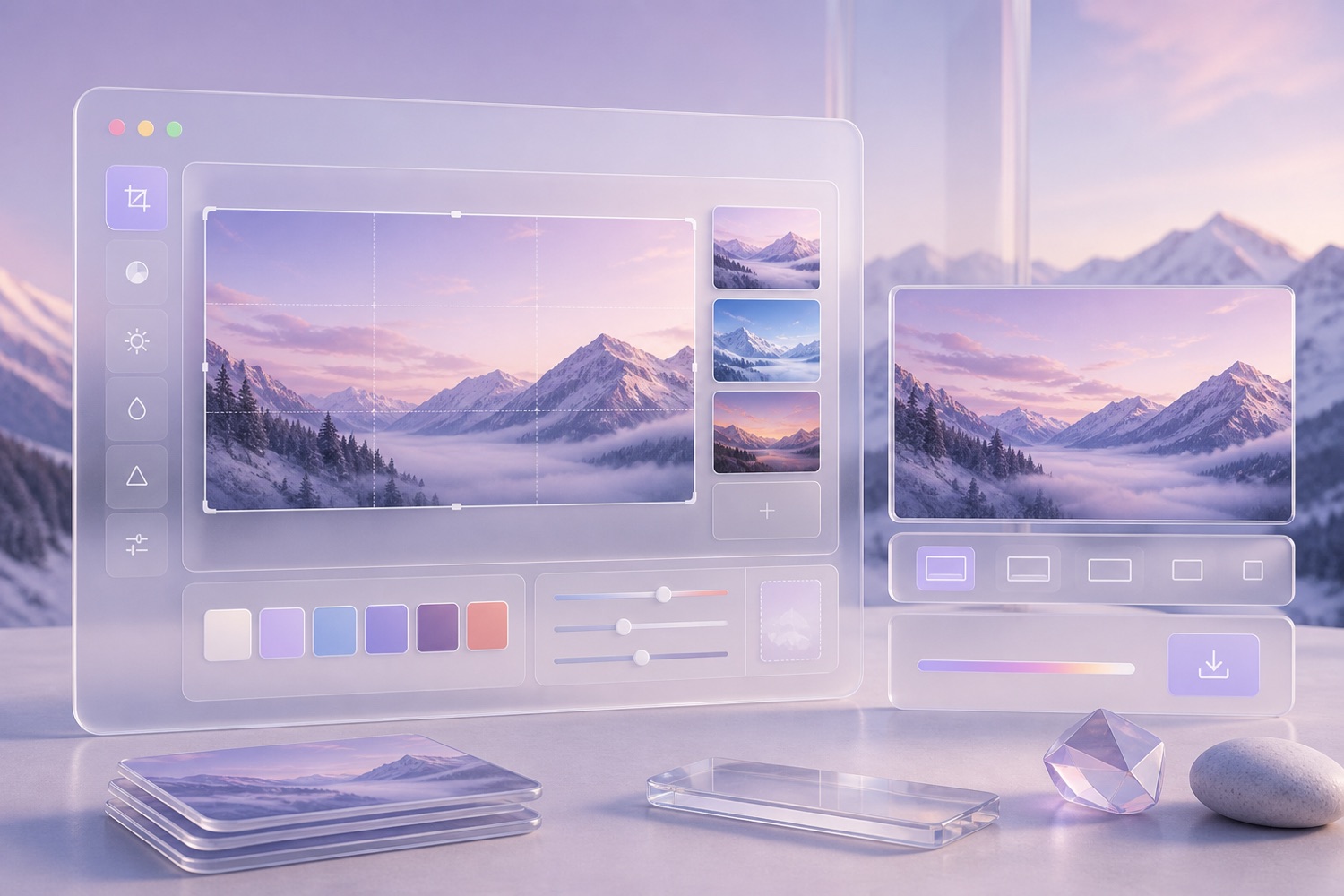
ThumbGrab keeps YouTube thumbnail image view and download immediate while giving creators a polished, glass-style workspace for studying and improving covers.

ThumbGrab cover enhancer glass studio preview

From raw thumbnail image to original 1280×720 cover

Download the highest available YouTube thumbnail image, then use the Cover Enhancer to add title text, a brand color, and a controlled gradient mask. The page stays fast and crawlable because the core keywords and tool explanations remain real HTML.

Every YouTube thumbnail image resolution, all at once

YouTube generates several thumbnail images for every uploaded video. Instead of guessing the right URL, ThumbGrab pulls all of them at the same time so you can view, compare, and download the size you need. The largest is maxresdefault (1280×720), available when the creator uploaded a custom HD thumbnail; below that are sddefault (640×480), hqdefault (480×360), mqdefault (320×180) and default (120×90). Not every video has a maxres thumbnail — when it's missing, ThumbGrab automatically falls back to the next best quality so you always get a usable image.

maxresdefault · 1280×720 sddefault · 640×480 hqdefault · 480×360 mqdefault · 320×180 default · 120×90

One exception: YouTube Shorts thumbnails are vertical — 1080×1920 at 9:16, not the horizontal sizes listed above. For the full breakdown of every resolution, see our YouTube thumbnail size guide. If you're making a Short, see our dedicated YouTube Shorts thumbnail size guide and free 1080×1920 cover maker.

Who needs YouTube thumbnail image view and download?

Thumbnails are the single biggest driver of click-through rate on YouTube, so creators, marketers, designers, and teachers often need to view the original image before downloading or rebuilding it.

Creators

Study what makes top channels' thumbnails clickable before designing your own — composition, faces, contrast and text.

Marketers

Pull a high-resolution thumbnail image for a social post, a pitch deck, a client report or a competitive analysis.

Designers

Grab reference frames and build mood boards, or remix a thumbnail into a fresh, on-brand cover with the Enhancer.

Educators

Embed a video's cover image into slides, worksheets and blog posts without taking a low-quality screenshot.

Frequently asked questions

Everything about YouTube thumbnail image view, download, resolution choice, privacy, and cover enhancement with ThumbGrab.

Is ThumbGrab free?
Yes. Every resolution downloads free with no account, no sign-up and no watermark. The Cover Enhancer is also free to use and to export.
Is it legal to download YouTube thumbnails?
YouTube thumbnails belong to the video's creator, not YouTube itself, and they are protected by copyright the moment they are published. Downloading a thumbnail for personal study, commentary, research, or news reporting falls under fair use in the US and is generally fine. However, reusing someone else's thumbnail inside a commercial product such as your own website, a paid course, or an advertisement requires explicit permission from the creator. YouTube's Terms of Service also restrict automated bulk scraping of platform content, so mass-downloading thumbnails at scale for profit may violate those terms even when individual downloads are tolerated. The safest path is to use thumbnails for teaching, backups, or design reference, and to produce your own original or enhanced cover for commercial use. ThumbGrab's built-in Cover Enhancer helps here, because it transforms the base image with your own title, brand color, and gradient mask, creating a unique cover rather than a verbatim copy of copyrighted artwork. When in doubt, contact the creator first.
Do you store the YouTube links I paste?
No. The video ID is extracted in your browser and sent only to YouTube's public thumbnail CDN and to noembed.com to fetch the video's title and author. We never store your links or browsing history.
Why is the 1280×720 (maxres) thumbnail missing for some videos?
The 1280×720 maxresdefault thumbnail is only generated when a creator uploads a custom high-resolution cover, and channels gain this option once they meet YouTube's custom-thumbnail eligibility, which historically required account verification. Older videos uploaded before custom thumbnails existed, auto-generated topic channels, music auto-uploads, Shorts recorded on phones, and many Live streams often have no maxres asset at all, so YouTube never creates the 1280×720 file. When maxresdefault is missing, the request returns a 404 and the next-best file YouTube serves is hqdefault at only 480×360, which looks soft on modern Retina and 4K screens. ThumbGrab detects the missing file automatically, marks it as broken, and surfaces every resolution that does exist (640×480 sddefault, 480×360 hqdefault, 320×180 mqdefault, and 120×90 default) so you always get the highest-quality image available for that specific video instead of a broken image link.
Do I need a YouTube API key?
No. ThumbGrab uses YouTube's public thumbnail URLs and the oEmbed endpoint, so there's no API key, no quota and no setup. Just paste a link.
Does it work on iPhone and Android?
Yes. On Android, tap the Download button to save the image. On iOS, long-press the image and choose "Save to Photos" or "Save Image".
Can I turn a thumbnail into my own YouTube cover?
Yes — that's exactly what the Cover Enhancer is for. Add your title, brand color and gradient mask, then export a 1280×720 PNG. Reusing a raw thumbnail verbatim isn't SEO-friendly because it's already indexed by Google; enhancing it makes a unique, on-brand cover.
What YouTube URL formats are supported?
youtube.com/watch?v=…, youtu.be/…, youtube.com/shorts/…, youtube.com/embed/… and youtube.com/live/… are all supported — just paste whichever one you have.